HEINI · HEINI control
The right decision reaches the right person.
Several colleagues. One view. Your decision.
HEINI is not a single colleague but several — one for enquiries, one for accounting, one for orders. Susi takes the request, clarifies it and orchestrates the specialist colleagues. You see every reason.
- Susi orchestrates
- “Why?” at the push of a button
- Approval folder
HEINI in your business
The right decision reaches the right person.
Open work, ownership and approval are visible together.
Example conversation


- Required contextCase · pricing rule · responsible role
Who is authorised to approve the exception?
The task includes the reason and consequence before approval.
Nothing has been sent or changed yet.
What HEINI takes off your desk
What HEINI takes off your desk
- 01
Required context
Case · pricing rule · responsible role
Explore the workflow and further possibilities
How the work moves forward
How HEINI steers itself
Open work, ownership and approval are visible together.
- 01
Susi takes & clarifies
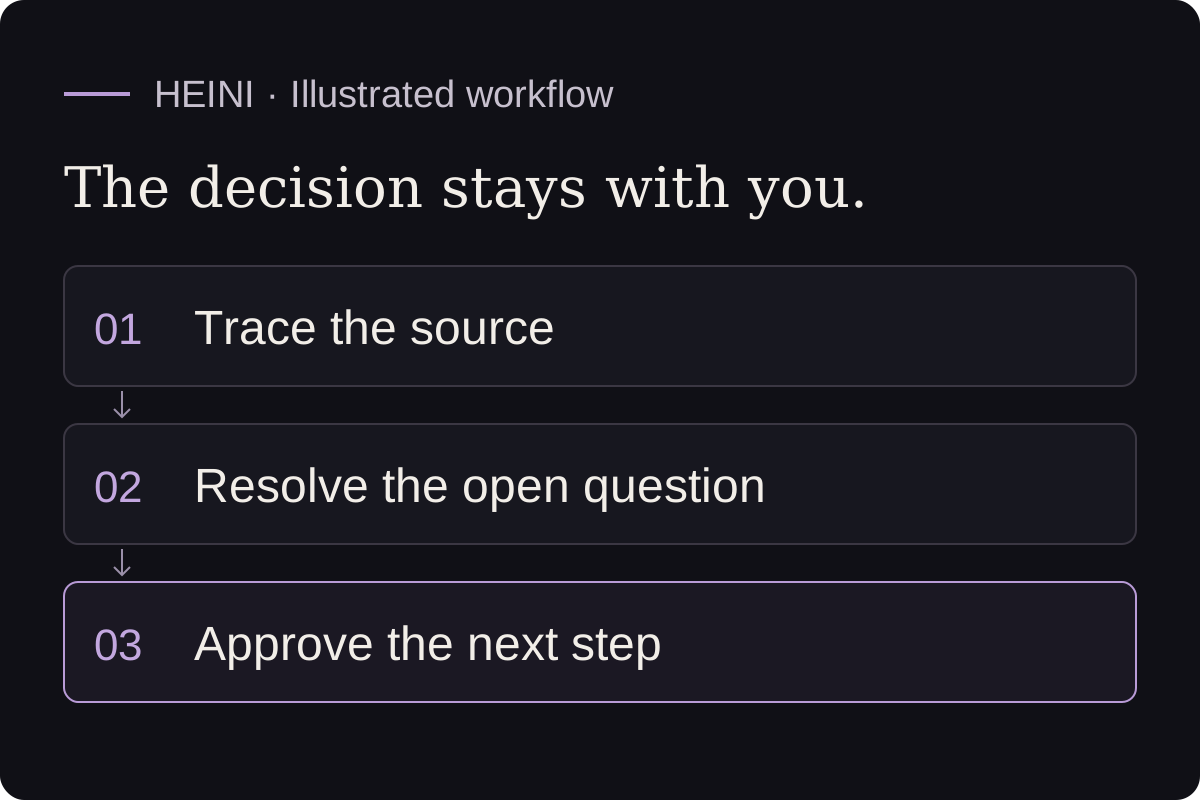
A request comes in. Susi understands what it is about and brings in the right specialist colleagues.
- 02
Colleagues work, Susi summarises
Several colleagues check their part. Susi collects the reasoning and checks for contradictions.
- 03
You approve
You see the combined verdict, click “Why?” for the reasoning — and approve or send back.
What is already included
The control layer in depth.
01Several colleagues, one view
On a lending request one colleague checks the mandatory fields, a second the valuation, a third the lending value. Susi merges the three into one verdict.
02Contradictions are held
If one colleague sees it differently, Susi holds the case, summarises the views and puts them to you — no hidden conflicts.
03The “Why?” button
For every case, the reasoning in plain language: what was done, why — and from which source or rule.
04The stage model
Every colleague grows into the job: New → Trained → Experienced → Independent. The stage is always shown next to the case. More responsibility only with your approval.
05Approval folder
Everything that needs approval in one place. Go through it in the morning, approve or send back with one click — on mobile too.
06Suggestions in the bar — in order
HEINI puts its suggestions right in the bar, as an expandable list. Multi-step cases appear in the right order: first “Create customer?”, then “Prepare a quote?” becomes clickable. Decline a step and the whole branch hanging off it falls away — no orphaned half-case.

Trust · human decision
You never lose control.
HEINI does nothing important without your OK. The stage is always visible, every reason is ready on “Why?”, and every approval goes into the audit-proof log. Even as HEINI gets “better”, the decision stays with you.
- More responsibility only with approval
- Reason anytime
- In the log
- Still to clarify
- Who is authorised to approve the exception?
- Prepared for review
- The task includes the reason and consequence before approval.
FAQ
FAQ
What does Susi do?
Susi takes the request, clarifies it and orchestrates the specialist colleagues. She summarises the reasoning, checks for contradictions and puts a verdict to you to approve.
Does HEINI decide anything alone?
Only what you have approved and what fits the colleague’s stage. Everything important waits for your approval in the folder.
What does the “Why?” button show?
Three lines in plain language: what was done, why, and from which source or rule. No tech speak.
Your business. Your case.
See how Susi steers your colleagues.
30 minutes on a real workflow — from intake to approval.
See HEINI on your own case